


<link rel="stylesheet" href="https://shefinds.com/wp-content/themes/shefinds_14/custom-content-builder/styles/ccb-frontend.min.css?ver=1.0.10"> The One Setting You Need To Change ASAP If Your Phone Keeps Crashin... Skip to main content
Savannah Guthrie emotional with Jenna Bush Hager on 'Today' show.
Ana de Armas showcasing toned abs in Instagram post.
Ben Affleck and Jennifer Lopez together at a public event.

Tech

The One Setting You Need To Change ASAP If Your Phone Keeps Crashing

March 5, 2020 by Lisa Cupido
shefinds | Tech
Featured image

There’s nothing more frustrating than a phone that consistently crashes, right when you’re working on something important (or simply sending a message to a friend). Androids, in particular, are more prone to this bad behavior, but there are quick fixes to remedy the problem and get your phone back into tip-top shape.

This is the one setting you need to change ASAP if your phone keeps crashing.

house unit img
The Difference Between Dragging Through Your Day And Feeling Great On Your Feet? These Arch Support Insoles
android

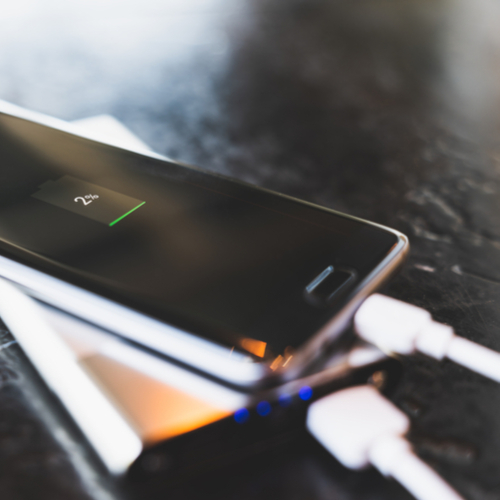
One reason why your Android could be crashing is because its software is not current and updated. Software changes can be frequent, but are necessary because they fix bugs and help your phone work more efficiently.
android

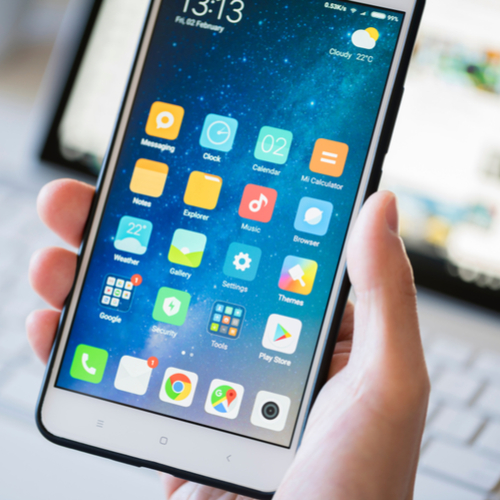
According to Google, this are the steps you should take to check for updates — this may be the simplest way to keep your phone from crashing:


Open your phone's Settings app
 
Near the bottom, tap System > System Advance >
 System update. If needed, first tap About phone or About tablet.


You'll see your update status. Follow any steps on the screen.
android

But the updating doesn’t just stop there.


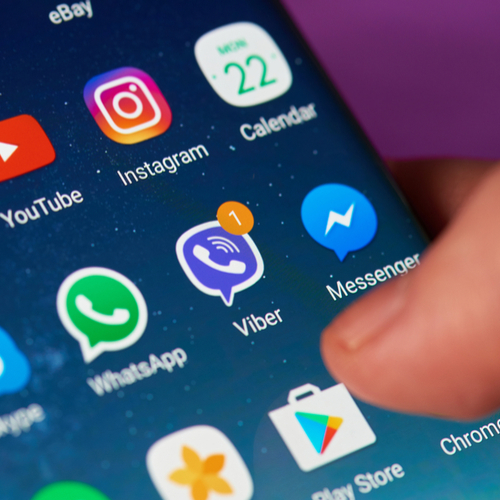
Even if your Android’s software is up to date, its app may not be current. If you’re running apps that are outdated, they could be the culprit behind why your phone keeps stalling, crashing, or restarting.

android

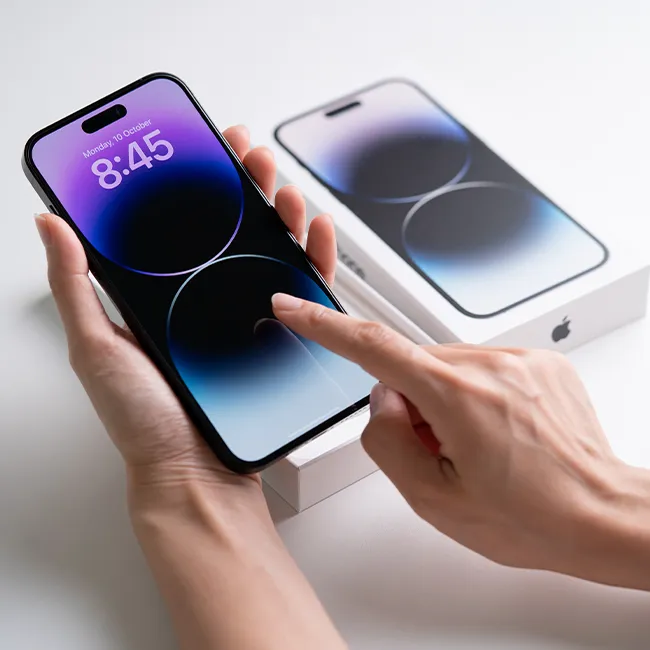
Here are the steps to updating your apps, according to Google:


On your phone, open the Google Play Store app 
Tap Menu > My apps & games.
Apps with available updates are labeled "Update."
If an update is available, tap Update.
If more updates are available, tap Update all.
Author:

Lisa Fogarty is a lifestyle writer and reporter based in New York who covers health, wellness, relationships, sex, beauty, and parenting.

Person holding an iPhone, showcasing its design.
iPhone screen displaying various apps and features.
Android phone connected to charger for power boost.
Three recommended iPhone apps for better storage management
Individual holding an iPhone, emphasizing user experience.
Woman showcasing an iPhone in her hand.
iPhone 16 charging with a sleek design.
John Travolta at the 4th Annual Academy Museum Gala.
Android phone charging with visible power connection.
Woman holding the Apple iPhone 17 Pro in hands.
Netflix login screen displayed on a smartphone.
Person holding an iPhone, ready for use.
iPhone charging with a modern design aesthetic.
Typing on an iPhone, illustrating mobile communication.
iPhone displayed in an official Apple Store setting.
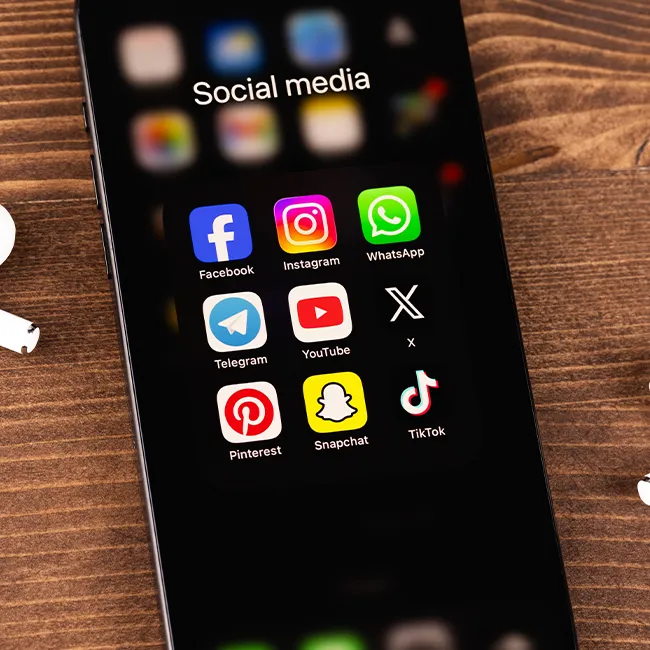
iPhone featuring social media apps on the home screen.
Students collaborating on a group project.
Woman showcasing features of Apple iPhone 17 Pro.
Man browsing on an Android smartphone.
iPhone illustrating various settings options.
Person holding an iPhone, showcasing its design.
iPhone screen displaying various apps and features.
Android phone connected to charger for power boost.
Three recommended iPhone apps for better storage management
Individual holding an iPhone, emphasizing user experience.
Woman showcasing an iPhone in her hand.
iPhone 16 charging with a sleek design.
John Travolta at the 4th Annual Academy Museum Gala.
Android phone charging with visible power connection.
Woman holding the Apple iPhone 17 Pro in hands.
Netflix login screen displayed on a smartphone.
Person holding an iPhone, ready for use.
iPhone charging with a modern design aesthetic.
Typing on an iPhone, illustrating mobile communication.
iPhone displayed in an official Apple Store setting.
iPhone featuring social media apps on the home screen.
Students collaborating on a group project.
Woman showcasing features of Apple iPhone 17 Pro.
Man browsing on an Android smartphone.
iPhone illustrating various settings options.