
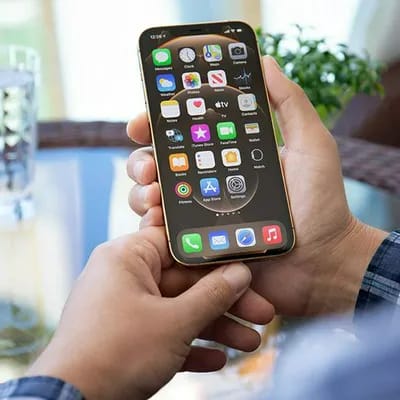



There is always more that you can be doing to improve your iPhone’s capabilities and ensure that its battery stands the test of time. And the steps you can take don’t require tech know-how or a commitment to spending an hour a day fiddling with your device’s features. In fact, if you simply do this one thing every night before bed, tech experts say you’ll up your chances of owning an iPhone that runs faster, more efficiently, and won’t need a battery replacement any time soon. If you want your iPhone battery to last longer, tech experts say you should be doing this before bed.
Turn On Optimized Battery Charging
A well-run iPhone is NOT one that spends hours a day being charged. If you have iOS 13 or later, then you can turn on Optimized Battery Charging, through which your iPhone learns from your daily charging habits to minimize its number of charge cycles, says Therese Schachner, a cybersecurity consultant at VPN Brains. “Your iPhone battery has a limited number of charge cycles it can undergo before its battery starts to fail,” Schachner says. “With Optimized Battery Charging, your iPhone will generally first charge to a maximum of 80% of its battery capacity, and when it predicts, based on past charging activity, that you will start to use your iPhone soon, it will charge past 80%.”

Women Are Swapping Their Boring Water For This Ice Pop Electrolyte Mix!
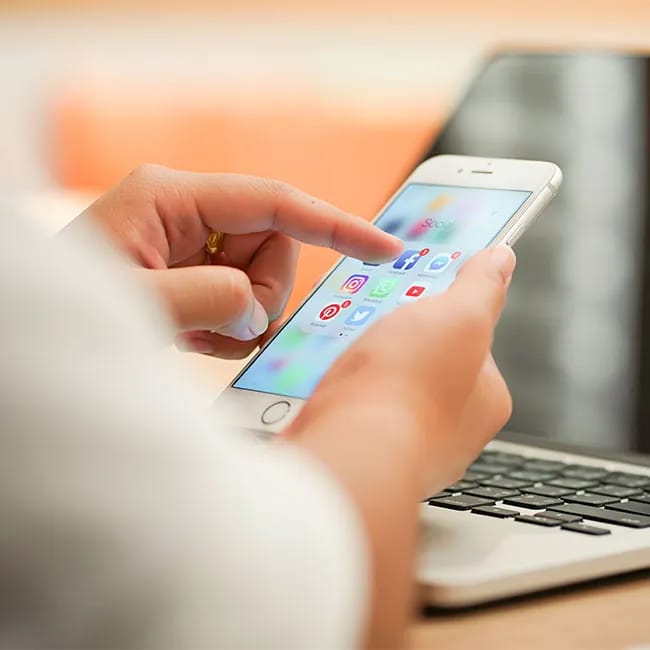
Here are two more tips Schachner recommends for boosting your phone’s battery power.
Turn Your Screen’s Brightness Down
“Use Auto-Brightness or decrease your screen's brightness,” Schachner says. “With this method, you can prevent your iPhone from displaying brighter screens than necessary given the amount of light in your environment. This technique helps save battery since your iPhone requires less power to display dimmer screens.”
Limit Location Services
“Limit your iPhone's use of location services, which uses your iPhone's GPS receiver to communicate with cell towers to determine your iPhone's location,” Schachner says. “Apps that use this location service and require frequent location updates tend drain your iPhone's battery quickly. If you'd like your iPhone battery life to last longer, in your phone's settings, you can remove some apps' permission to use your location services, or you can turn the location service off altogether if you've realized that you don't need it.”
Disable Background Refresh
Disabling background refresh for apps that don't need to load new content while you're not using them can save you a ton of a battery power. “For example, if you don't see the need for your social media apps to load new posts in the background since your feed will update as soon as you open these apps, you can consider disabling background app refresh for these apps,” Schachner says. “If this setting is disabled, your iPhone will have fewer tasks running in the background and will therefore consume less power overall. To prevent apps from slowing down your iPhone due to extensive background activity, you can go to Background App Refresh in the General section of Settings and disable this feature for some or all of your apps.”