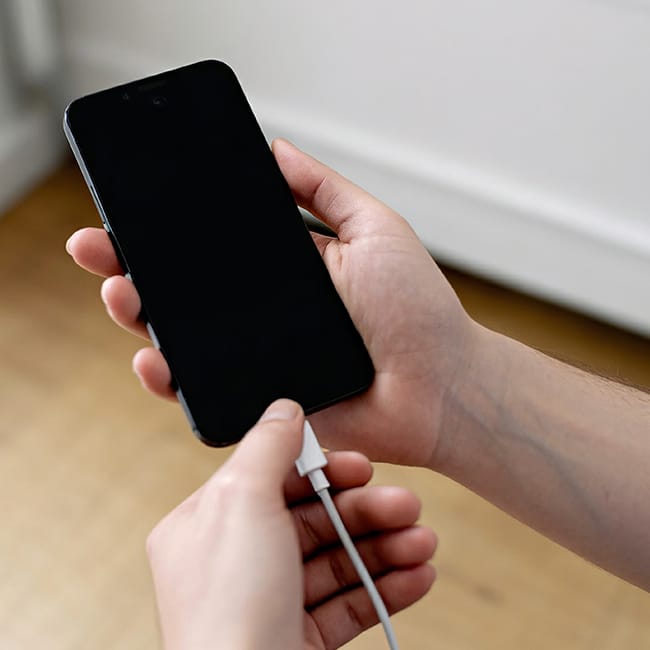


Can an app destroy your phone? That may be a bit too dramatic, but there is truth in the idea that some apps are simply worse for your iPhone than others because they take up tons of storage space, run down your battery, and (in some cases) give themselves the permission to collect as much of your data as possible and sell it to third-party advertisers to turn a profit.
Even though all apps aren’t complicit in this behavior, and some have perfectly legit reasons why they need to consume more storage and battery than others, if your main goal is to have an efficient phone that stands the test of time so that you don’t have to constantly shell out more money on iPhone batteries or new models, tech experts often recommend deleting a few of these battery-killing apps from your phone.

Struggling With Sleep? This Rechargeable Sound Machine Is A Total Game-Changer

1. Games
The more graphically intense the gaming app on your phone, the more it wears down your device and takes up precious resources. Games require that your phone’s CPU, memory, and GPU work hard, and this consumes major battery. On top of that, they often feature intense visuals that require high screen brightness and an internet connection. If you love games, but also want a well-working battery, consider deleting a few and only keeping one or two of your favorites.

2. Photo Editing Apps
Many of the photo editing apps we relied on just a few years ago to make our photos look amazing have become obsolete thanks to improvements in the iPhone’s camera settings. That’s a good thing because these apps tend to take up a lot of storage space considering how many large image files they save and store. These apps also require power from your phone’s RAM, CPU, and GPU. The fewer of them you download, the better.

3. Navigation Apps
Aside from the fact that many modern cars are equipped with great navigation systems that make a lot of GPS apps less important to have, apps like Waze and Google Maps consume battery because they use your phone’s GPS to track your location. They’re continually processing your route, real-time locations, and even the speed you’re traveling. In other words: these are workhorse apps that offer convenience, but also consume your phone’s resources.

4. Streaming Apps
Apps like Netflix, Hulu, and Peacock offer a break from reality with TV and movie streaming that you can enjoy anywhere, thanks to your iPhone. But be aware that streaming is a drain on your battery and these apps may be taking up storage if you never delete their old media files. Be sure to occasionally go through these apps’ files and delete old media, keep the app updated, and consider charging your phone while you’re using them.

5. Social Media Apps
Whether your favorite social media app is Instagram, Snapchat, Facebook, TikTok, or all of the above, all of these apps have one thing in common: they consume a lot of battery power and storage space, and they can barely hide the fact that they will request as many permissions as possible in order to capture your data. They then use this data to inform their own site and figure out ways to make it more appealing to its users and often they sell your data to third-party advertisers.
The fewer social media apps on your phone, the more efficient your phone and the safer your data is — there’s no way around that one, unfortunately.