




/wp-content/themes/shefinds_14/img/new-subscribe-img-mid.png)

The goal with your iPhone is always to prolong its battery long enough to NOT have to visit the Apple store every six months for a battery change. But the way you use your device — ways you may not even be aware of — can all affect your battery outcomes.
Apple Expert Caroline Lee from CocoSign spoke with SHEFinds.com about the one iCloud setting you should turn off now to double your battery life.

The Difference Between Dragging Through Your Day And Feeling Great On Your Feet? These Arch Support Insoles
You’re aware that Facebook takes your information — but do you know just how much data it gathers on you?
“Facebook uses all the information it can find about you - yes, including [information] you didn’t provide,” Long says. “Even if you’ve never had a Facebook account, Facebook actively gathers info on you and uses it to create a profile for you - your age, your location, your preferences, your gender, whether or not you have kids, how educated you are, etc.”
The iCloud Keychain feature enables the system to use too many resources literally all the time and eventually goes on to consume the battery of the device, Lee says.
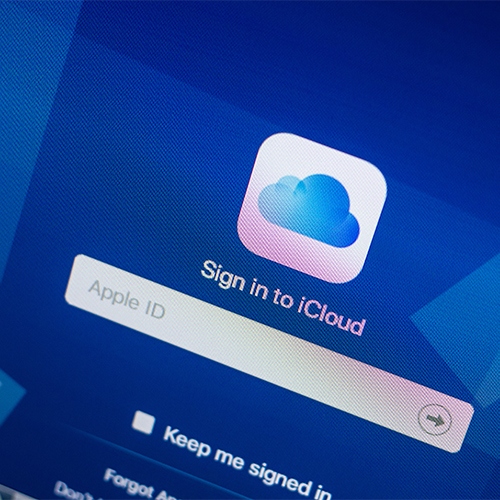
Fortunately, there is a possible solution to this problem. Lee provides the following steps to prevent this feature from draining your battery:
1. Turn off all the iOs devices including the apple watch.
2. The next step requires deleting some Trustedhelper databases, for this, open the terminal, then code and run this command “rm -f ~/Library/Keychains/*/com.apple.security.keychain-defaultContext.TrustedPeersHelper.{db,db-shm,db-wal}/li>”
3. Now, type or you can paste the command “tpctl reset” into the terminal.
4. Power off all your Mac devices.
5. Boot one of your devices. The system preferences will display that you can sign back into the iCloud.
6. Check the list of associated iOs devices linked with Apple ID and remember to delete any device which is not in your use anymore.
7. Now comes the step to wait for 10 minutes. This will cause the earlier deleted databases to load.
8. Power up the other Macs in case you have any.
9. Lastly, turn on your iOs devices and Apple watch one by one.

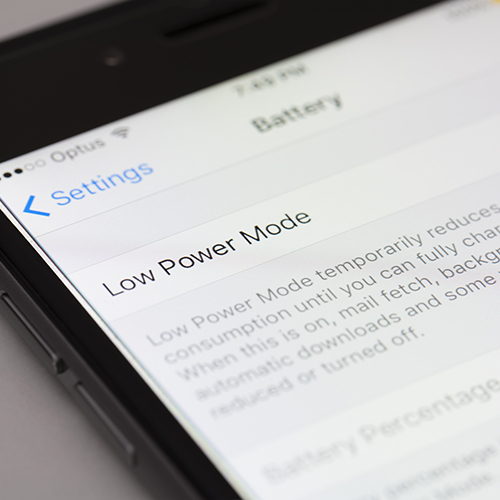
Another consideration when it comes to battery drainage and iCloud settings is simply this: take steps that will reduce your overall battery loss.
“A phone without charge is nothing more than an unnecessary weight and Apple users frequently suffer from this problem,” says Mark Condon, Founder and Owner of Shoktkit.com. “To save your battery, you can try turning on the Dark mode and the power saver mode to slow the drainage of charge. You may also disable Siri and Location. There's no other way to increase your battery power and the only advice I can give is to use your device less or switch to a better version.”