




/wp-content/themes/shefinds_14/img/new-subscribe-img-mid.png)
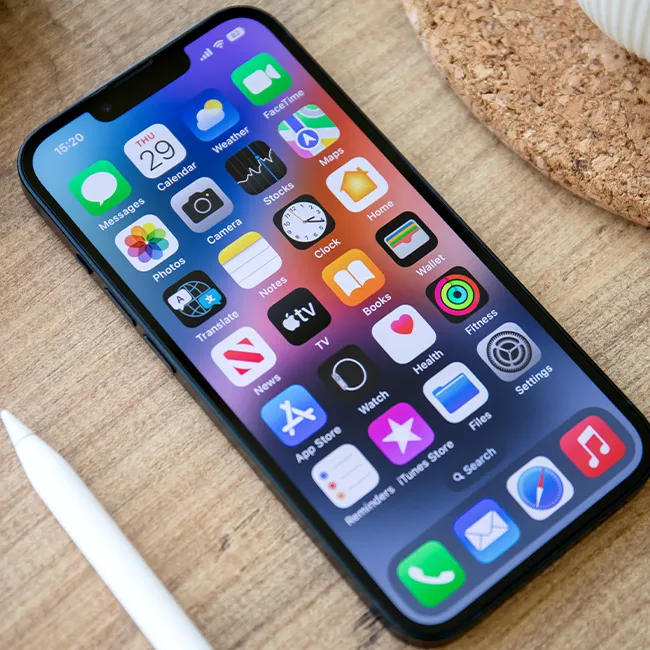
Owning an iPhone can be a really awesome experience, that is, until it starts freezing up and slowing down on you.
Having a slow iPhone is something that users have to deal with from time to time, and it’s never fun. When your phone is lagging, it can make a lot of your daily tasks more difficult. Before going to the Apple store or local tech shop to see if your phone is dying on you or breaking, it’s actually a good idea to take a look at the apps you have downloaded. As it turns out, they can have a bigger impact on your device’s speed, storage, and more than you think. Read more about the three apps you should consider deleting below.

The Difference Between Dragging Through Your Day And Feeling Great On Your Feet? These Arch Support Insoles

1. Excess Navigation Apps
For many people, they can hardly get through their day without using at least one navigation app, especially if they spend a lot of time in the car or travel frequently. However, it really is best to just have one on your phone, as they can easily take up storage and require a lot of power from your phone.
"They're constantly running processes in the background, such as checking GPS, Bluetooth, data, and your device's motion sensors," explains tech pro Steven Athwal. "Navigation apps also store large offline map files, which consume your phone's storage. These background processes and large storage consumption are causing high CPU usage and battery degradation. To combat, I'd try disabling background access for these apps."

Why You Should Never Keep Passwords & Login Info In Your Notes App
Again, because there are so many sites and apps that require you to have some kind of login or password in order to use them, it can be easy to get overwhelmed. A lot of people will use the same email and password for various logins, which tech pros have expressed is not a good idea.
However, as it turns out, it's also not a good idea to keep them written down in your device's notes app. That can be surprising, especially since for many, it seems like the most logical place to keep them. But you're actually putting that information in a place that can be just as at risk as other pieces of your data.
"Unlike dedicated password managers or cloud storage services, the Notes app on your iPhone doesn’t offer end-to-end encryption," wrote tech pros at Total Defense. "This means that anyone with access to your device can potentially view your notes, including sensitive information like credit card numbers, passwords, or personal details."
Additionally, there's also the risk that if your phone gets hacked or stolen by someone who can get into your notes app, you're providing them with all of that precious login information right off the bat.
"If your device is lost or stolen, anyone who finds it could potentially access your notes and use your information for malicious purposes," they continue. "If you accidentally share your Notes app with others, your sensitive information could be exposed to unintended recipients."
Some tech pros suggest keeping your passwords in the iCloud Keychain if you own an iPhone, as it "uses end-to-end encryption," or a trusted encrypted password manager if you own an Android. However, it's also a wise choice to write them down on a sheet of paper you can keep in a safe, protected spot at home for ultimate protection.
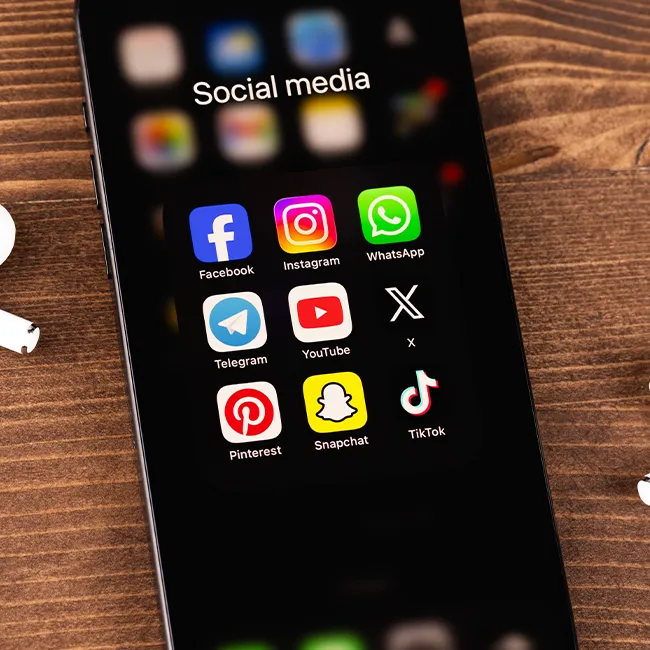
3. Snapchat
There are a good number of social media apps that can end up causing your phone to slow down or lose battery life quicker, but many tech pros would agree that Snapchat is one of the biggest culprits.
"Snapchat runs in the background continuously and checks for messages, new stories, it keeps using your camera, and tracks your location," says tech pro Amy Mortlock. "Users have reported their phones randomly lagging after they installed Snapchat, with multiple processes running even after closing the app."