


<link rel="stylesheet" href="https://shefinds.com/wp-content/themes/shefinds_14/custom-content-builder/styles/ccb-frontend.min.css?ver=1.0.10"> The Surprising Setting Apple Experts Say You Should Disable For A F... Skip to main content
Savannah Guthrie emotional with Jenna Bush Hager on 'Today' show.
Ana de Armas showcasing toned abs in Instagram post.
Ben Affleck and Jennifer Lopez together at a public event.

Homepage

The Surprising Settings Apple Experts Say You Should Disable For A Faster iPhone

October 16, 2022 by Lisa Cupido
shefinds | Homepage
Featured image

Is your phone running slower than you’d like it to? There are a number of reasons why your device isn’t holding up its end of the bargain when it comes to speed and efficiency, and the settings that you have enabled may be at the very top of that list. In many cases, all you have to really do is disable a few common settings to make sure your phone works better. Tech Expert James Calderon at Alrigh says these are the surprising settings that you should disable for a faster iPhone. 

Background App Refresh

“Background App Refresh is a feature that automatically updates apps that you’ve installed in the background,” Calderon says. “While it can be helpful in some cases, experts say that it can actually slow down your iPhone if you have a lot of updates waiting to be installed.”

If you need to keep Background App Refresh enabled, you can try turning it off in Settings > General > Background App Refresh.

Auto-Play Videos

There are rarely times when you need an app like Facebook to just automatically play every video the second you access the app. In fact, being bombarded with media can be off-putting and the opposite experience than the one you want. “Auto-Play Videos is a feature that lets videos play automatically when you open them,” Calderon said. “While this can be helpful in some cases, experts say that it can actually slow down your iPhone if you have a lot of videos waiting to be played.”

If you need to keep Auto-Play Videos enabled, you can try turning it off in Settings > Videos.

Handoff

“Handoff is a feature that lets you continue working on one app on your iPhone and then switch over to another app without having to quit the first app,” Calderon explained. “While this can be helpful in some cases, experts say that it can actually slow down your iPhone if you use Handoff a lot. If you need to keep Handoff enabled, you can try turning it off in Settings > General > Handoff.”

If you are frustrated by the way your phone is operating at a snail’s pace, try making a few of these changes to the settings on your phone to see if they make a difference. 
Author:

Lisa Fogarty is a lifestyle writer and reporter based in New York who covers health, wellness, relationships, sex, beauty, and parenting.

Princess Diana at American Red Cross charity ball in elegant gown.
Kelly Ripa, Sarah Paulson, and Anna Wintour at a celebrity event.
Selena Gomez at the 31st Annual Screen Actors Guild Awards.
High-protein dip featuring chicken, chickpeas, eggs, and rice.
Person performing a dumbbell exercise for strength training.
Demi Moore at the premiere of 'Fatherland' film.
Jada Pinkett Smith and Debbie Allen at Performing Arts Center event.
Frozen pizza selection available in grocery store aisle.
Kim Kardashian at the 4th Annual Academy Museum Gala.
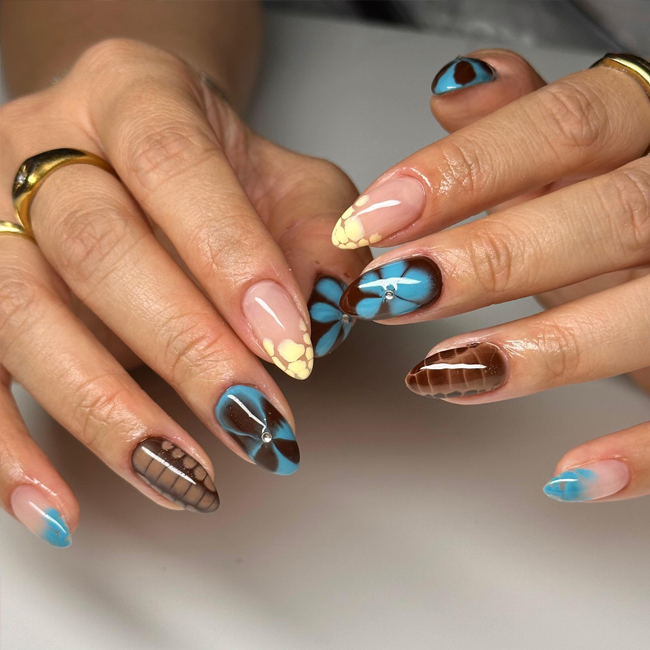
Colorful blooming nails designed by Nails by Elisee.
Plate of fried fish served with crispy fries.
Ex-Prince Andrew attending a state funeral.
Kylie Jenner at The Metropolitan Museum of Arts Costume Institute Benefit.
Kate Middleton visiting cancer patients in a hospital.
Angelina Jolie at the 'Eternals' AFI Fest premiere.
Michelle Obama and La La Anthony discussing new book on stage.
Unnamed celebrity at a public event.
DJ Khaled at the Big 12 Championship Game.
Prince Harry and Meghan Markle at a public appearance.
King Charles and Prince Harry during a royal event.
Princess Diana at American Red Cross charity ball in elegant gown.
Kelly Ripa, Sarah Paulson, and Anna Wintour at a celebrity event.
Selena Gomez at the 31st Annual Screen Actors Guild Awards.
High-protein dip featuring chicken, chickpeas, eggs, and rice.
Person performing a dumbbell exercise for strength training.
Demi Moore at the premiere of 'Fatherland' film.
Jada Pinkett Smith and Debbie Allen at Performing Arts Center event.
Frozen pizza selection available in grocery store aisle.
Kim Kardashian at the 4th Annual Academy Museum Gala.
Colorful blooming nails designed by Nails by Elisee.
Plate of fried fish served with crispy fries.
Ex-Prince Andrew attending a state funeral.
Kylie Jenner at The Metropolitan Museum of Arts Costume Institute Benefit.
Kate Middleton visiting cancer patients in a hospital.
Angelina Jolie at the 'Eternals' AFI Fest premiere.
Michelle Obama and La La Anthony discussing new book on stage.
Unnamed celebrity at a public event.
DJ Khaled at the Big 12 Championship Game.
Prince Harry and Meghan Markle at a public appearance.
King Charles and Prince Harry during a royal event.